
Cloud accounting · VAT-ready · Built for UAE businesses
INVOICES
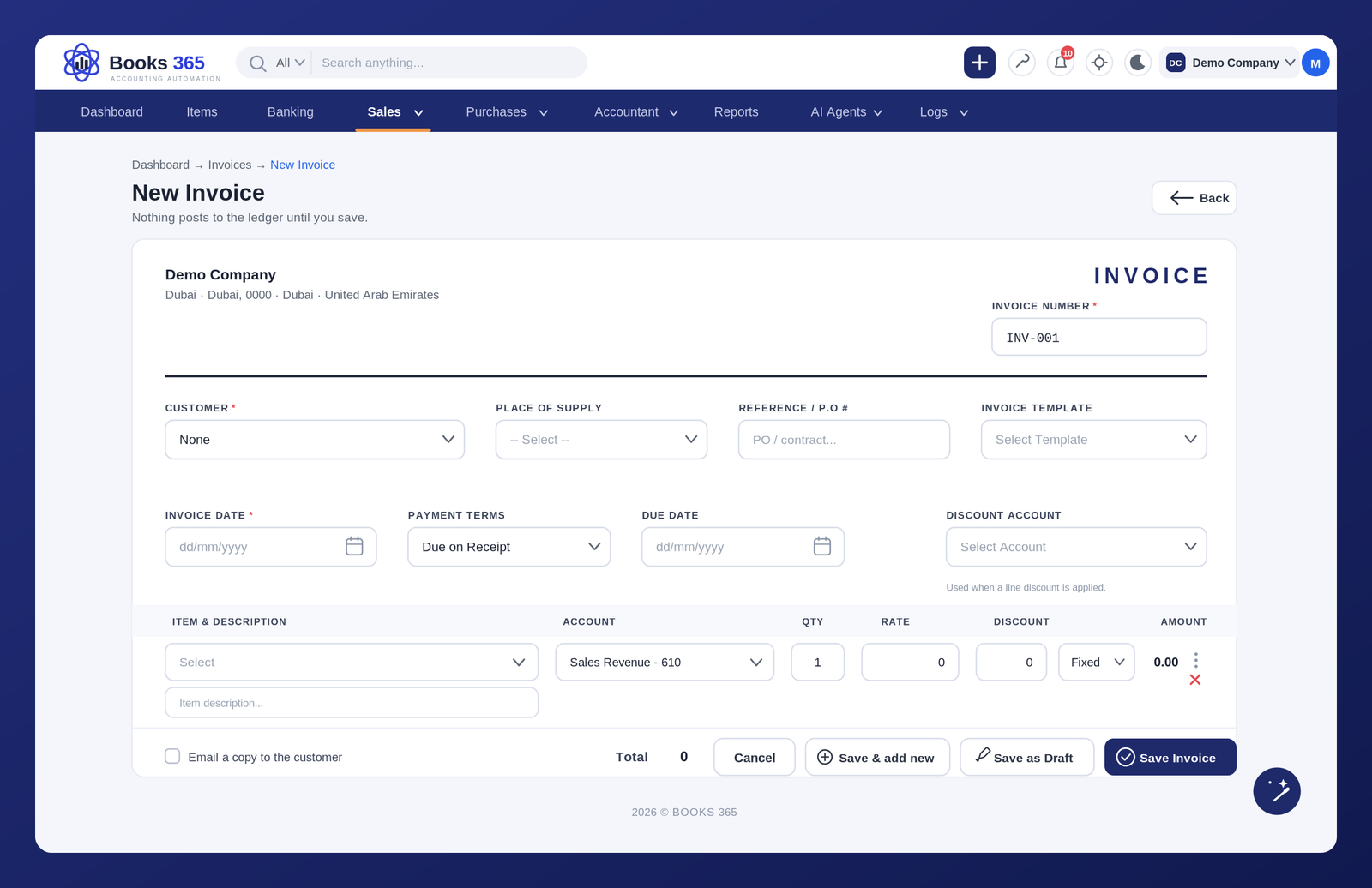
Create professional, VAT-ready invoices, share them with customers, record full or partial payments, and monitor outstanding balances. Every invoice remains connected to customer accounts, receivables and financial reports within Books 365 accounting software.
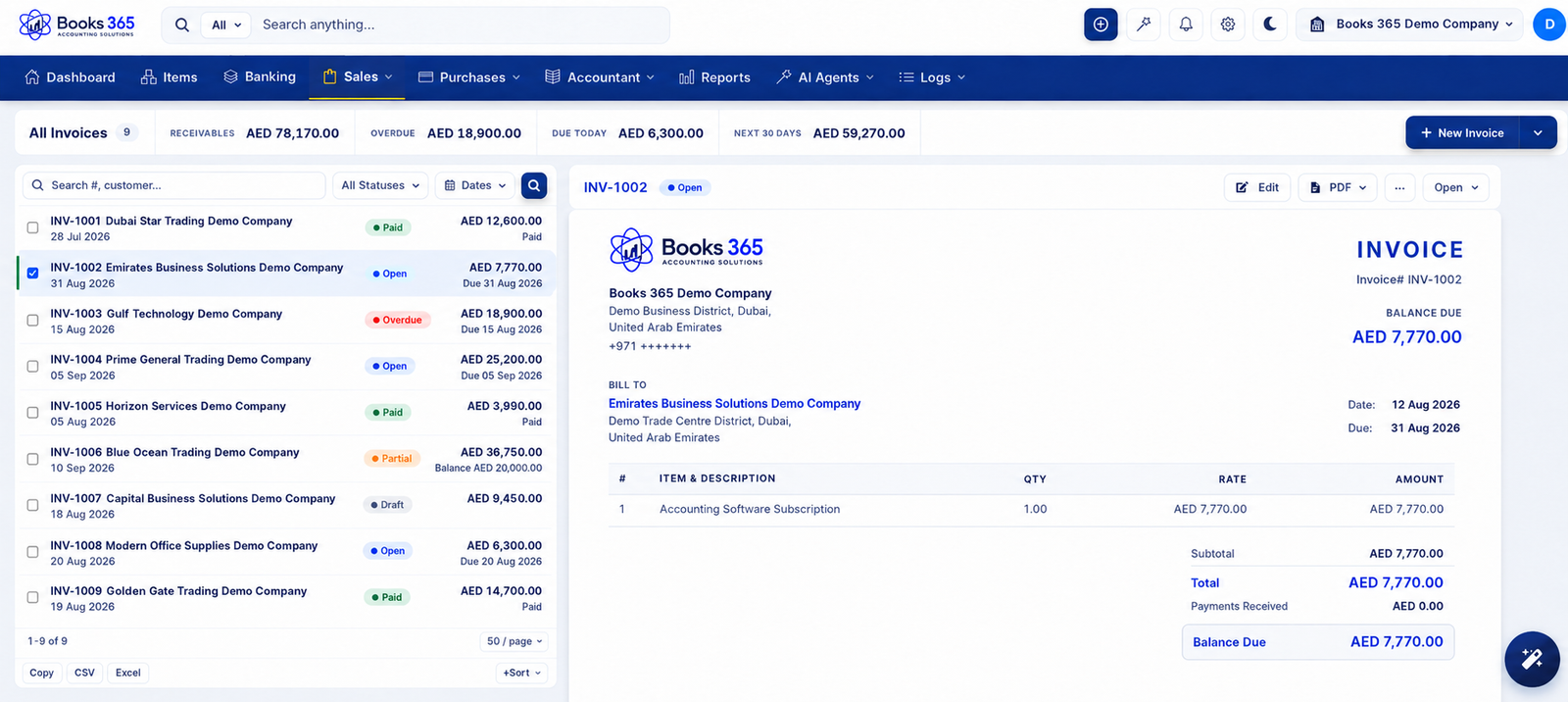
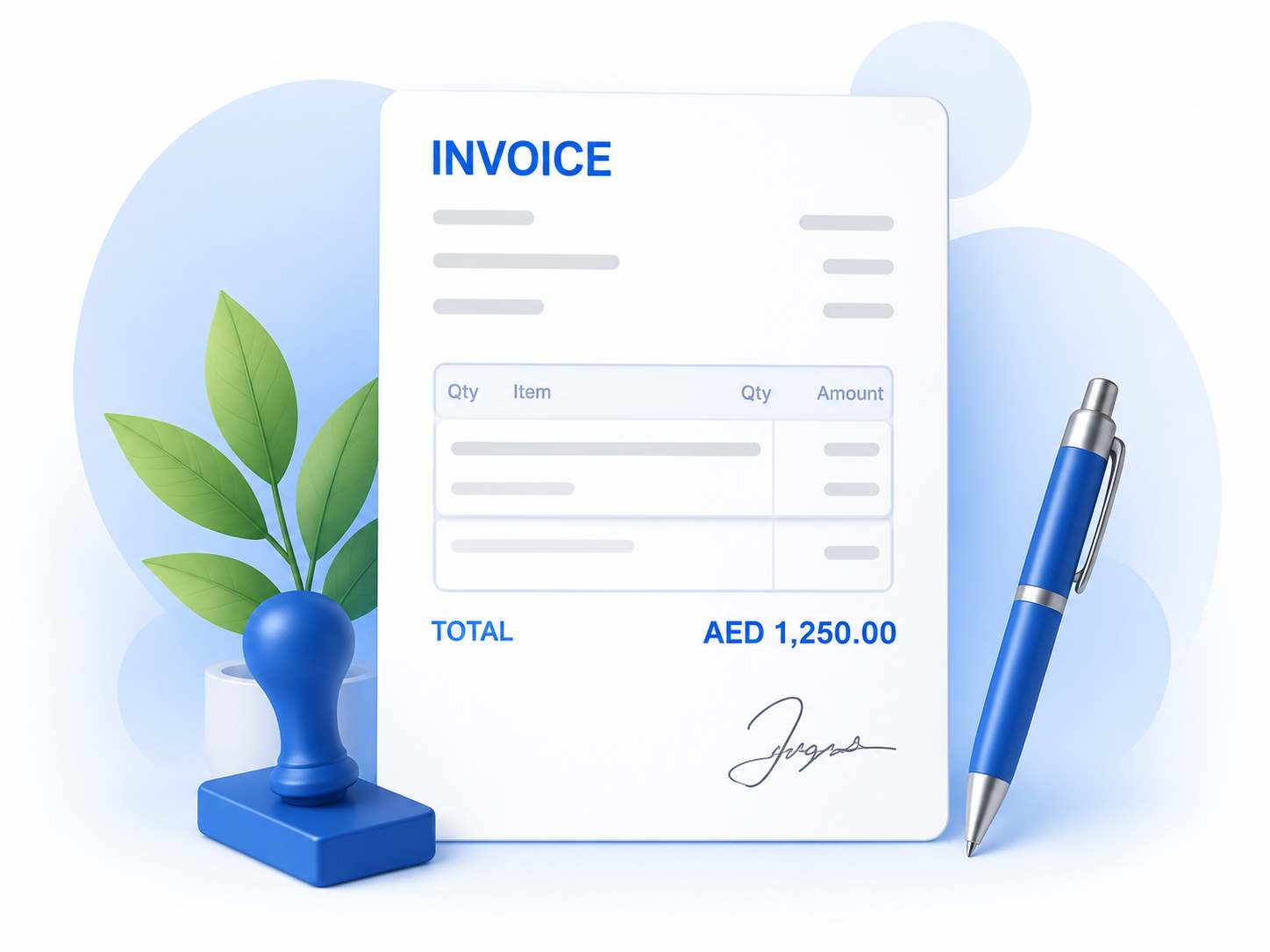
Build invoices with your business details, customer information, item descriptions, tax, discounts, and payment terms.
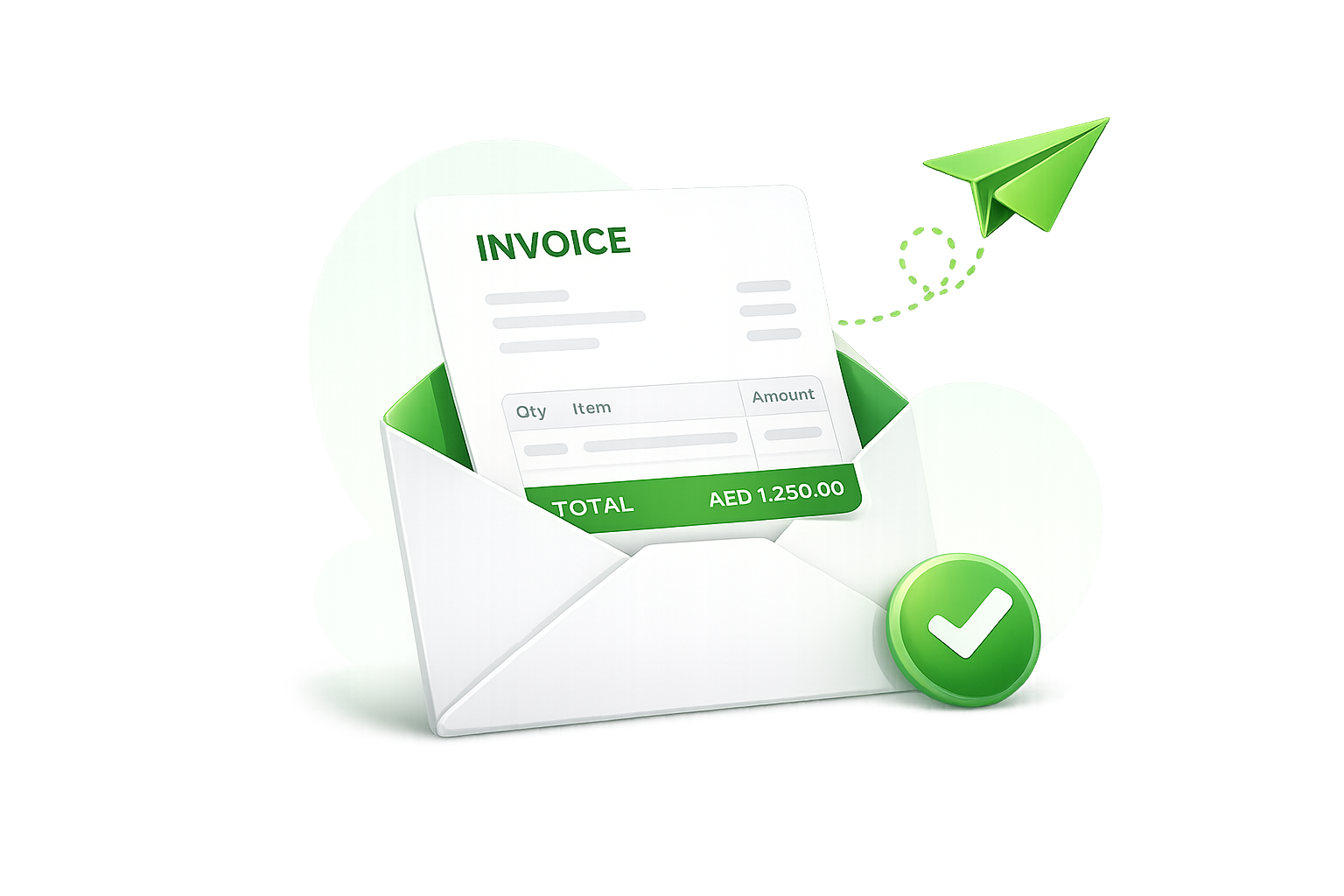
Prepare invoices quickly and share them with customers without switching between spreadsheets, email, and separate tools.
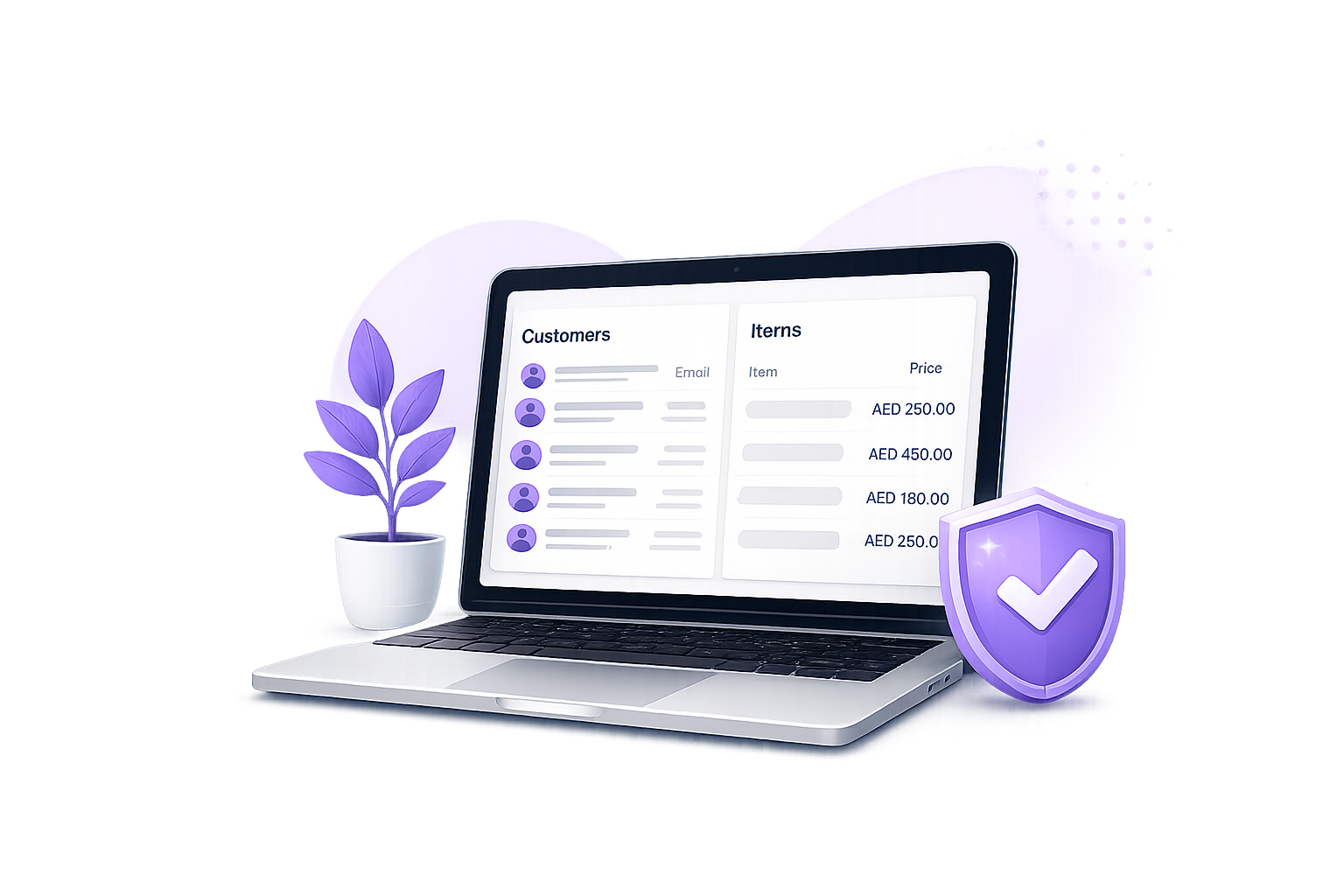
Use saved customer and item details to reduce repetitive work and avoid common manual billing mistakes and errors
View invoice status clearly, including paid, unpaid, partially paid, and overdue invoices.
Stay on top of due dates and remind customers before unpaid invoices affect cash flow.
See each customer’s invoices, payments, and outstanding amount in one place.
Create repeat invoices for regular customers, retainers, service contracts, or monthly billing.
Reuse customer details, service items, tax settings, and terms to save time on every invoice.
Every invoice stays connected to your accounting data, making review and reporting easier.
Check invoice details, customer information, tax, items, and amounts before an invoice moves forward.
Review invoice details, catch errors, and approve invoices before they are sent to customers.
Track invoice progress from creation to approval and sending, so nothing gets missed or delayed.
Create professional Invoices quickly
Track paid and
unpaid invoices
Manage customer balances clearly